Control Room Video Wall Maintenance: Front Service, Backup, and Access
Read Time:2 Minute, 27 Second
A control room video wall is often judged by what happens after installation. Does it stay consistent through long shifts? Can the team service it without shutting down the room? Are spare parts available? Can a small issue be handled before it becomes an operations problem?
Maintenance planning should begin before the wall is ordered.
Service Access Shapes the Room
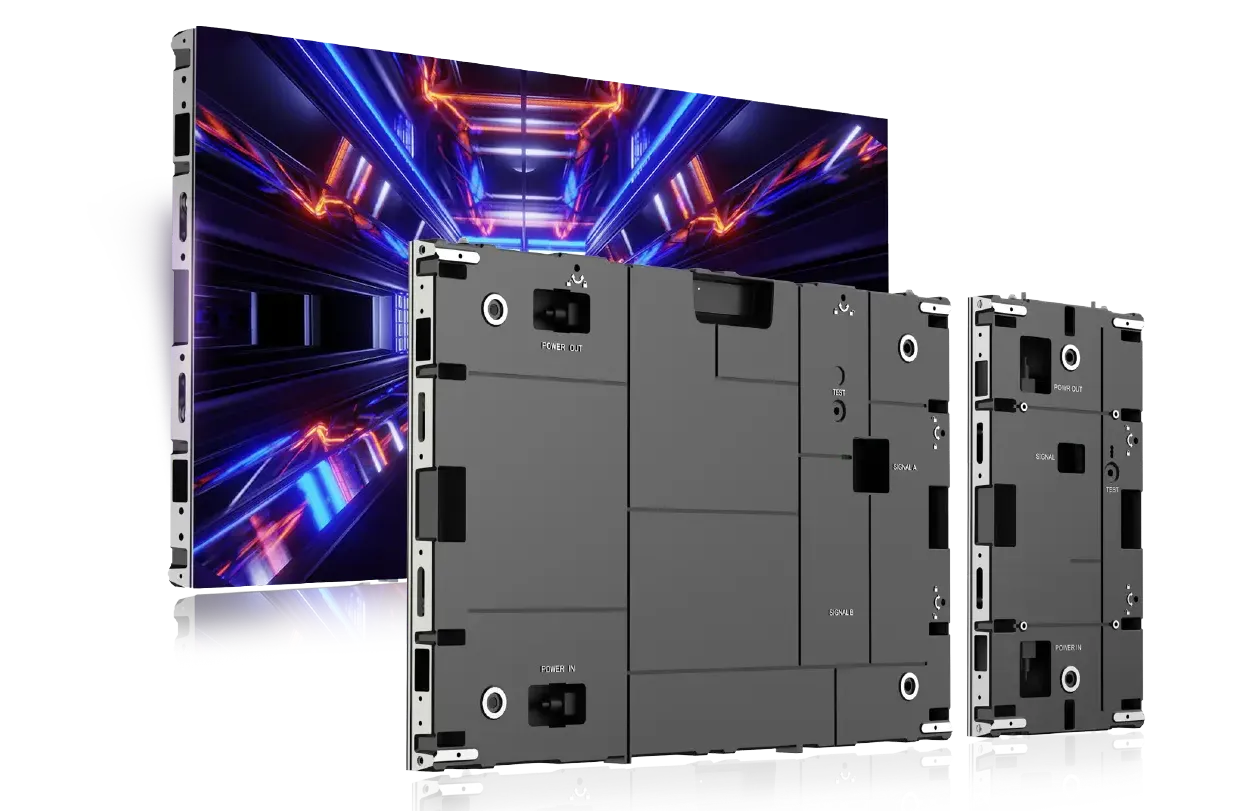
Some walls are serviced from the rear, which may require space behind the display. Others offer front service, allowing technicians to access modules from the viewing side. In a control room with limited space, this can affect the entire layout.
If rear access is required, the wall may need a service corridor. If front service is available, the room may gain more flexibility. Either way, access should be planned around consoles, flooring, power, ventilation, and operator safety.
Backup Design Supports Uptime
Control rooms are built for continuous awareness. A display issue during a shift can interrupt monitoring, especially when the wall carries maps, camera feeds, alarms, or executive briefings. Backup design helps reduce that risk.
Dual backup generally refers to redundant paths or components that help prevent a single failure from stopping display operation. The exact meaning depends on the product and system design, so it should always be confirmed with the supplier. The important point is to ask early how the wall handles power, signal, module, and control failures.
Maintenance Is More Than Repair
Good maintenance also includes cleaning, calibration, brightness management, spare module planning, software updates, and operator training. A room may need a schedule for checking color consistency, dead pixels, source layouts, and cooling conditions.
AVNetwork has noted that LED displays in command-and-control centers often run on a 24/7 basis, which makes serviceability and energy management part of the planning discussion. A wall that looks good in a short demo still needs a support model for years of use.
Product Features Should Match the Risk Level
Esdlumen lists the BIM Plus-X Series with stable operation, dual backup, wireless module connectivity, multiple sizes, high brightness, and creative splicing. For control rooms that need a stable indoor LED video wall, those product directions are relevant to maintenance and uptime conversations. Buyers should still confirm the exact configuration, backup approach, and service plan for their project.
Ask These Questions Before Installation
A maintenance-ready control room wall should answer practical questions:
Who can access the wall? How long does a module replacement take? Which spare parts are stored locally? What training does the operating team receive? How are brightness and color consistency managed? Who responds if a fault appears during a critical shift?
The goal is not to eliminate every possible problem. The goal is to make routine maintenance predictable and unexpected issues manageable.
A video wall that supports 24/7 monitoring needs more than a strong display specification. It needs a service path that fits the room, the team, and the operating risk.

Happy
0 %

Sad
0 %

Excited
0 %

Sleepy
0 %

Angry
0 %

Surprise
0 %
 0
0
 0
0